How to Use a Credit Card Swiper: A Step-by-Step Tutorial
Understanding the Basics of a Credit Card Swiper
Credit card swipers, also known as card readers, are essential tools for businesses that accept card payments. They allow for quick, secure transactions and can be a crucial component of your point-of-sale system. Whether you're a small business owner or a sales professional, understanding how to use a credit card swiper is vital.
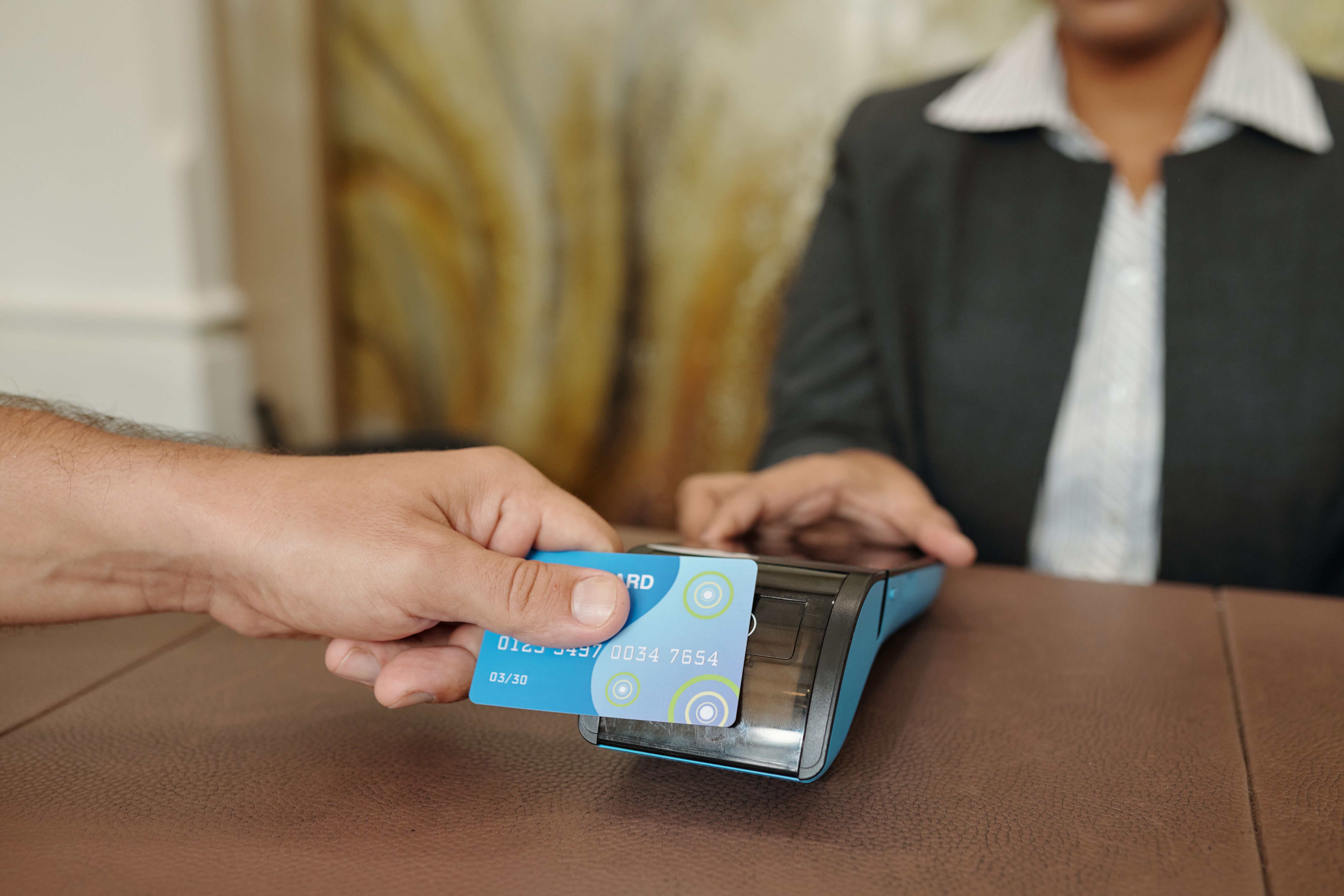
Setting Up Your Credit Card Swiper
Before you can start swiping cards, you'll need to set up your credit card swiper properly. Here’s a simple guide:
- Connect the Device: Plug your credit card swiper into the appropriate port on your point-of-sale system or mobile device. This could be a USB port, headphone jack, or Bluetooth connection.
- Install Necessary Software: Some swipers require specific software or apps to function. Make sure you download and install the right application for your device.
- Test the Connection: Once connected, perform a test transaction to ensure the swiper is working correctly.
How to Swipe a Card Correctly
Swiping a card might seem intuitive, but doing it correctly ensures smooth transactions. Here’s how:
- Orientation: Ensure the magnetic stripe on the card is facing the right direction, usually towards the swiper’s slot.
- Speed and Pressure: Swipe the card with a consistent speed and apply gentle pressure. Too fast or too slow can cause errors.
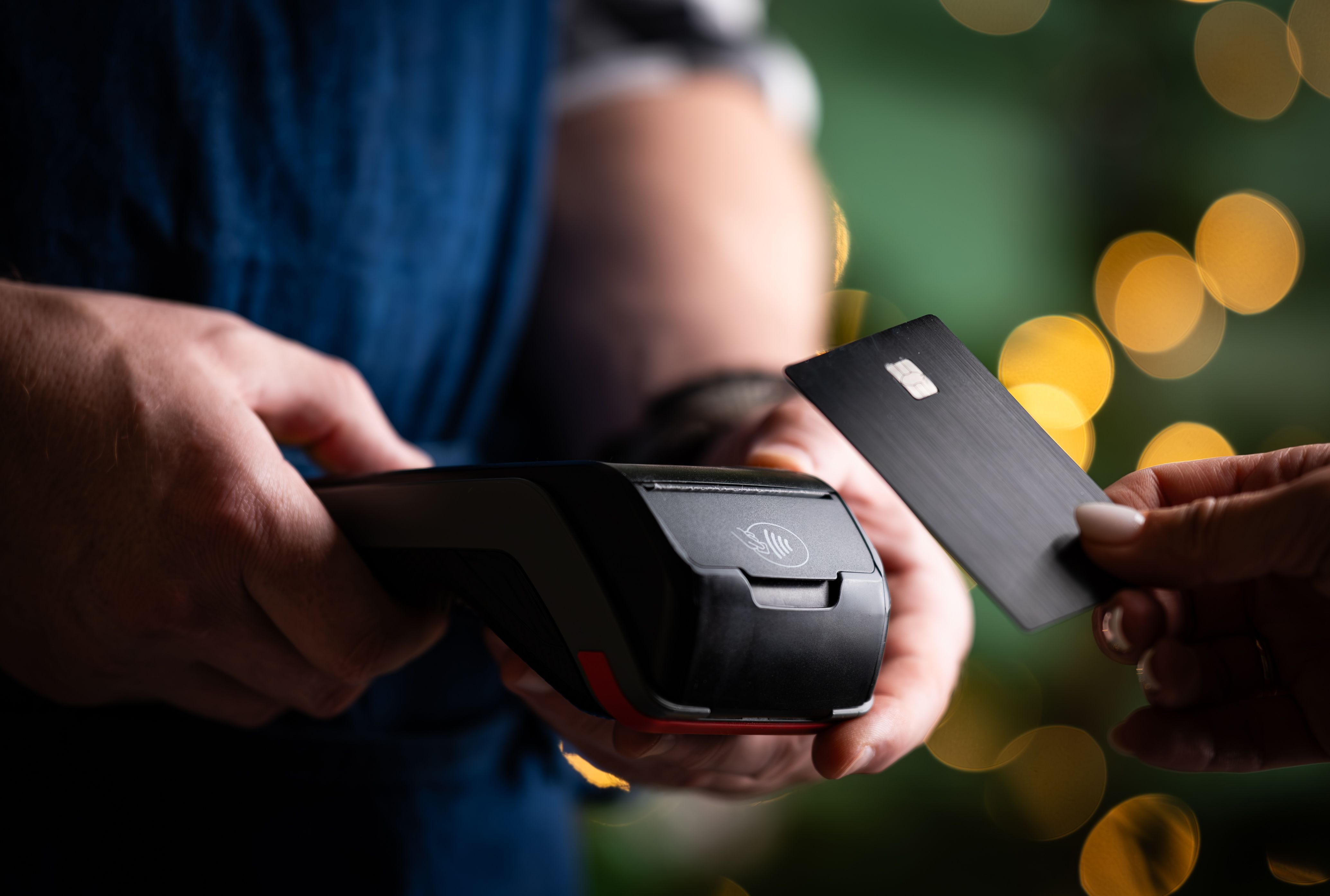
Troubleshooting Common Issues
Even with the best setup, you might encounter issues with your credit card swiper. Here are some common problems and solutions:
- Card Not Reading: Clean the swiper slot and try again. If the issue persists, check for software updates.
- Connection Problems: Ensure all cables are securely connected or reset your Bluetooth connection if applicable.
Maintaining Your Credit Card Swiper
Regular maintenance can prolong the life of your credit card swiper and ensure it functions correctly. Here are some tips:
- Regular Cleaning: Use a soft cloth to clean the swiper slot and remove any debris or dust.
- Software Updates: Keep your software up to date to benefit from the latest features and security enhancements.
- Storage: Store your swiper in a safe, dry place when not in use to prevent damage.
Conclusion
Using a credit card swiper efficiently can significantly improve your business operations. With proper setup, regular maintenance, and troubleshooting, you can ensure seamless transactions and customer satisfaction. Implement these steps to master the use of your credit card swiper and enhance your payment processing capabilities.