How to Use a Card Swiper: A Step-by-Step Tutorial
In today's fast-paced world, knowing how to use a card swiper can streamline transactions and improve customer experience. Whether you're a business owner, an employee, or simply curious, mastering this skill is essential. Let's dive into a step-by-step tutorial on how to use a card swiper effectively.
Setting Up Your Card Swiper
Before you can start swiping cards, you need to ensure your card swiper is correctly set up. Most devices come with a user manual, but here are the general steps to get you started.
Connect to Your Device
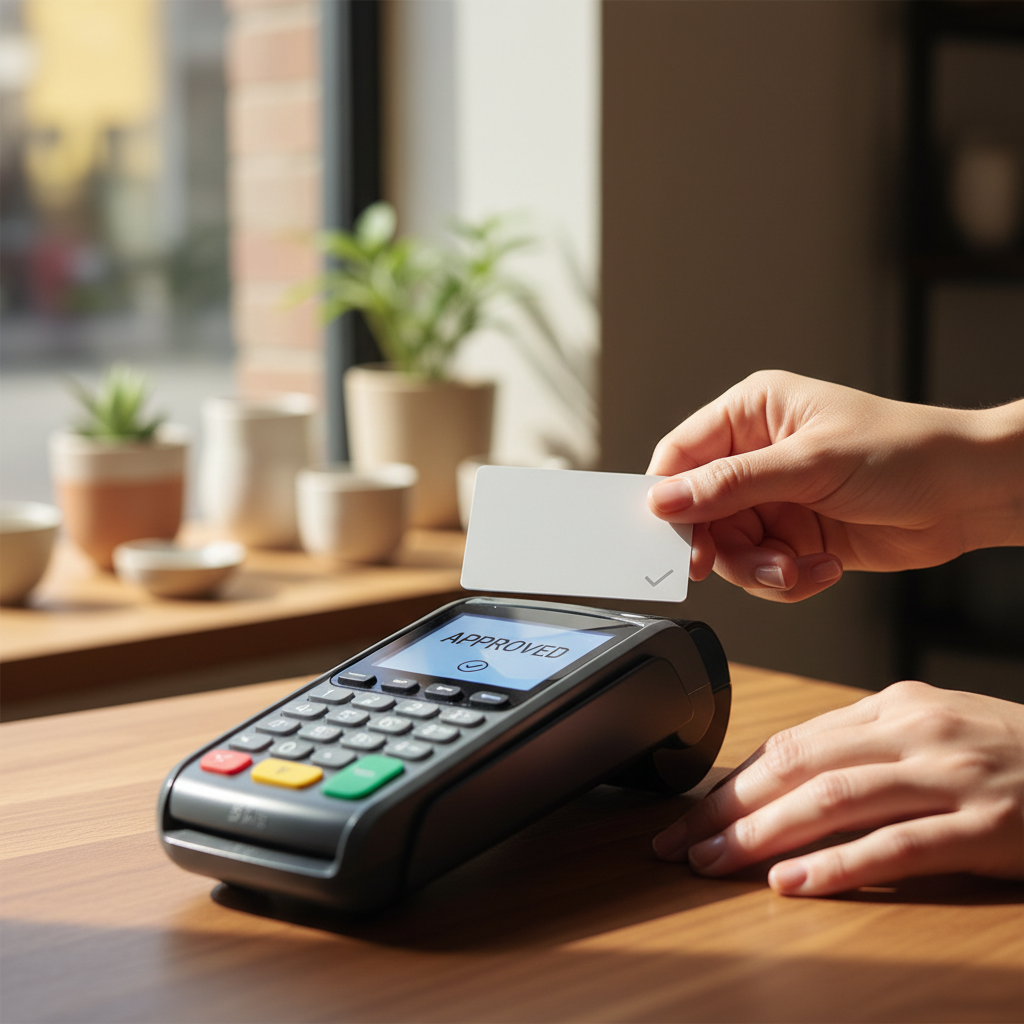
Most card swipers connect to a point-of-sale (POS) system via Bluetooth or a USB cable. Ensure your device is powered on and properly connected to the POS system. Follow any specific instructions provided by the manufacturer to establish a secure connection.
Install Necessary Software
Download and install any required software or apps needed for your card swiper. This software will often provide tools for transaction tracking, sales analytics, and device updates. Make sure everything is up to date to avoid any technical issues.
Processing a Transaction
Once your card swiper is set up, you're ready to process transactions. The process is usually straightforward, but attention to detail is crucial.
Swipe the Card
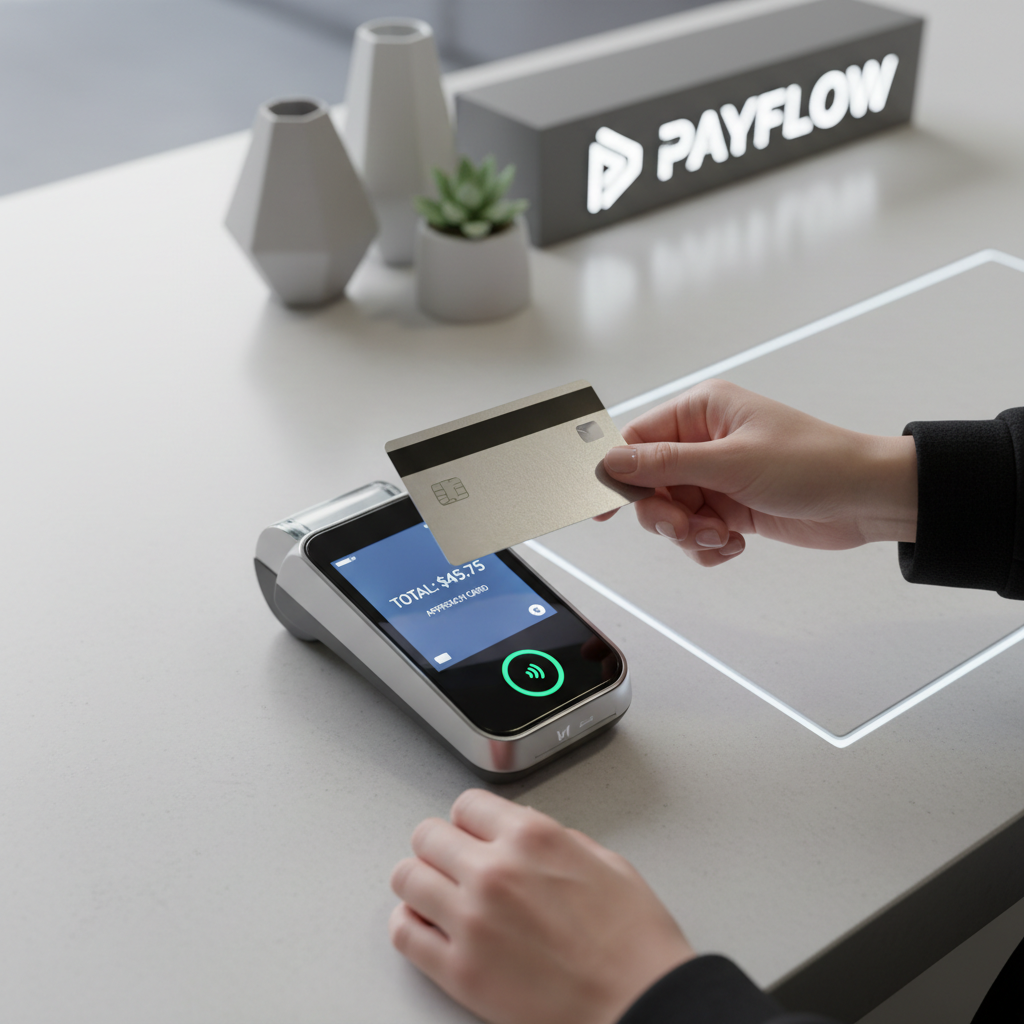
To begin a transaction, swipe the customer's card through the card reader. Ensure the magnetic strip is facing the correct direction. If you're using a chip reader, insert the card into the designated slot and wait for the prompt.
Enter the Transaction Amount
After successfully swiping the card, enter the transaction amount into the POS system. Double-check the amount to ensure accuracy, as mistakes can lead to unhappy customers or financial discrepancies.
Verifying and Completing the Transaction
Once the transaction amount is entered, it's time to verify and complete the process. This is where attention to detail is especially important.
Customer Verification
Some systems may require a signature or PIN entry from the customer. Ensure the customer completes these steps to validate the transaction. This adds a layer of security and helps prevent fraudulent activities.
Print or Email the Receipt
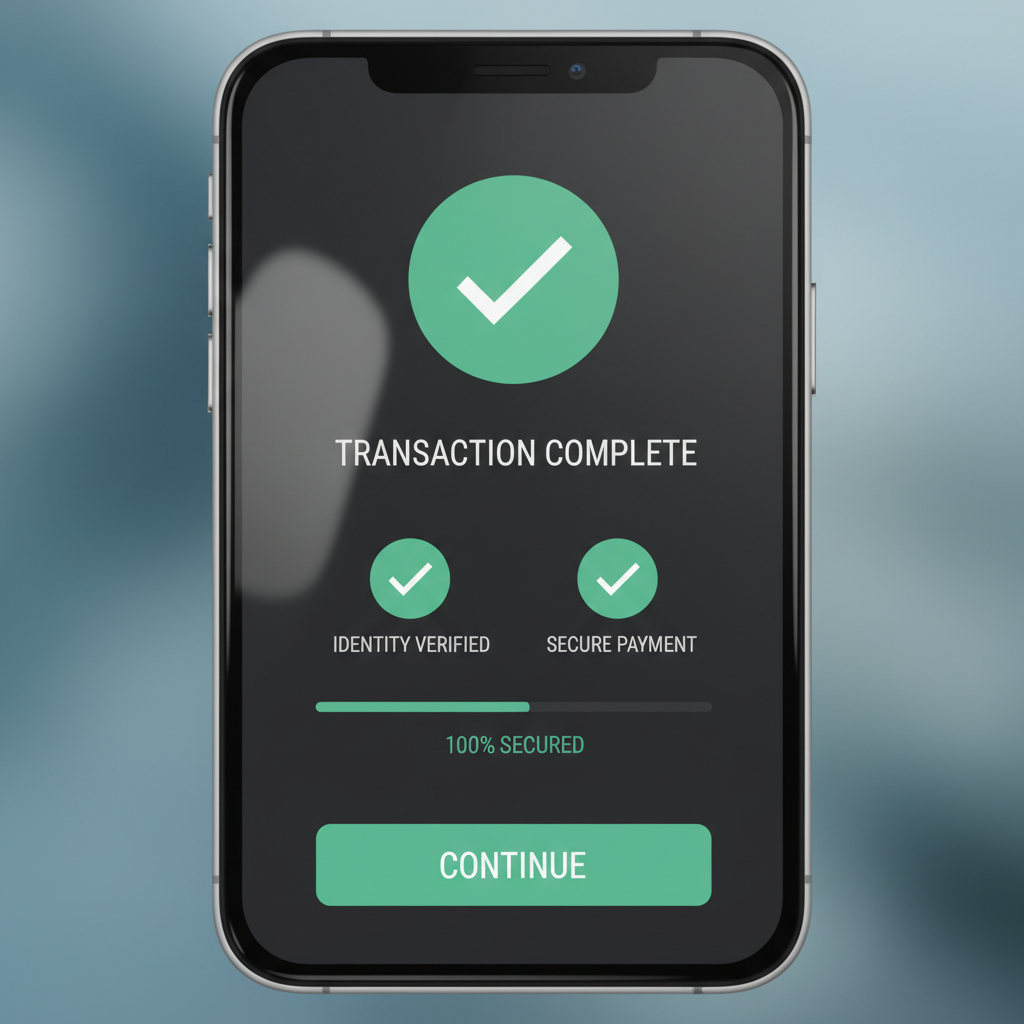
After the transaction is approved, provide the customer with a receipt. Many systems offer the option to email the receipt directly to the customer, which is both convenient and environmentally friendly. Ensure the receipt is clear and contains all necessary details.
By following these steps, you can efficiently use a card swiper and enhance your transaction process. Remember, practice makes perfect, so don't hesitate to familiarize yourself with your specific device and software. Happy swiping!