5 Expert Tips for Using Your Mobile Card Reader Effectively
Understand Your Mobile Card Reader
Before diving into transactions, it's crucial to familiarize yourself with your mobile card reader. Most devices come with user manuals that explain basic functions and troubleshooting tips. Ensure you understand how to connect it to your smartphone or tablet and test it with a few trial transactions to get comfortable with the process.

Ensure a Stable Internet Connection
A reliable internet connection is essential for processing transactions smoothly. Whether you're using Wi-Fi or mobile data, make sure the connection is stable to avoid any disruptions during payment processing. This will help in providing a seamless experience for your customers.
Choose the Right Data Plan
If you're relying on mobile data, consider a plan with adequate data limits, especially if you frequently conduct transactions. This ensures you can process payments without any interruptions due to data restrictions.
Prioritize Customer Security
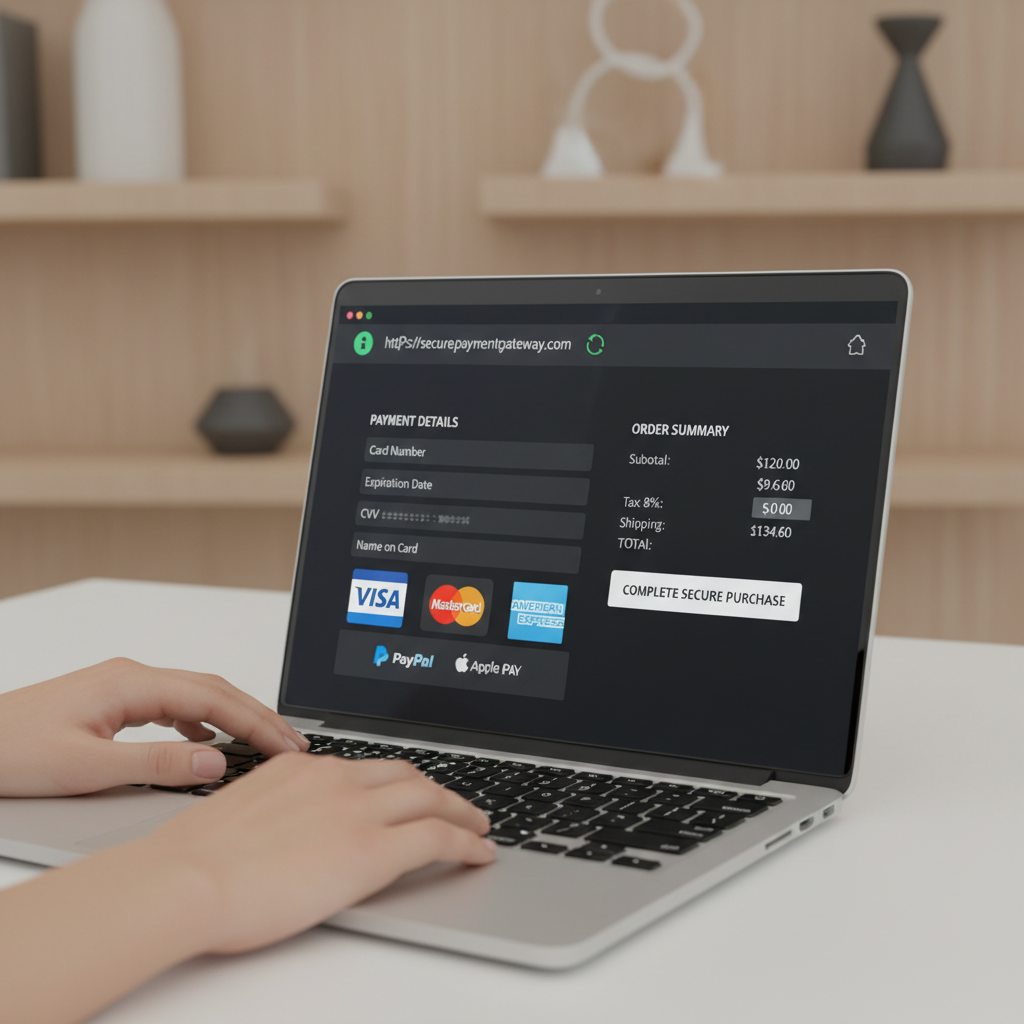
Customer trust is paramount, and ensuring their data is secure is a critical step. Use card readers that comply with industry standards for data encryption. Regularly update your app and device firmware to protect against vulnerabilities.
Train Your Staff
If you have employees who will use the mobile card reader, provide them with adequate training. Make sure they understand the importance of handling customer data securely and can confidently assist customers with payments.
Optimize the Checkout Experience
A streamlined checkout process enhances customer satisfaction. Ensure that all necessary items are within reach and that the transaction process is quick and efficient. Consider customizing your app settings to simplify the checkout steps.
Offer Digital Receipts
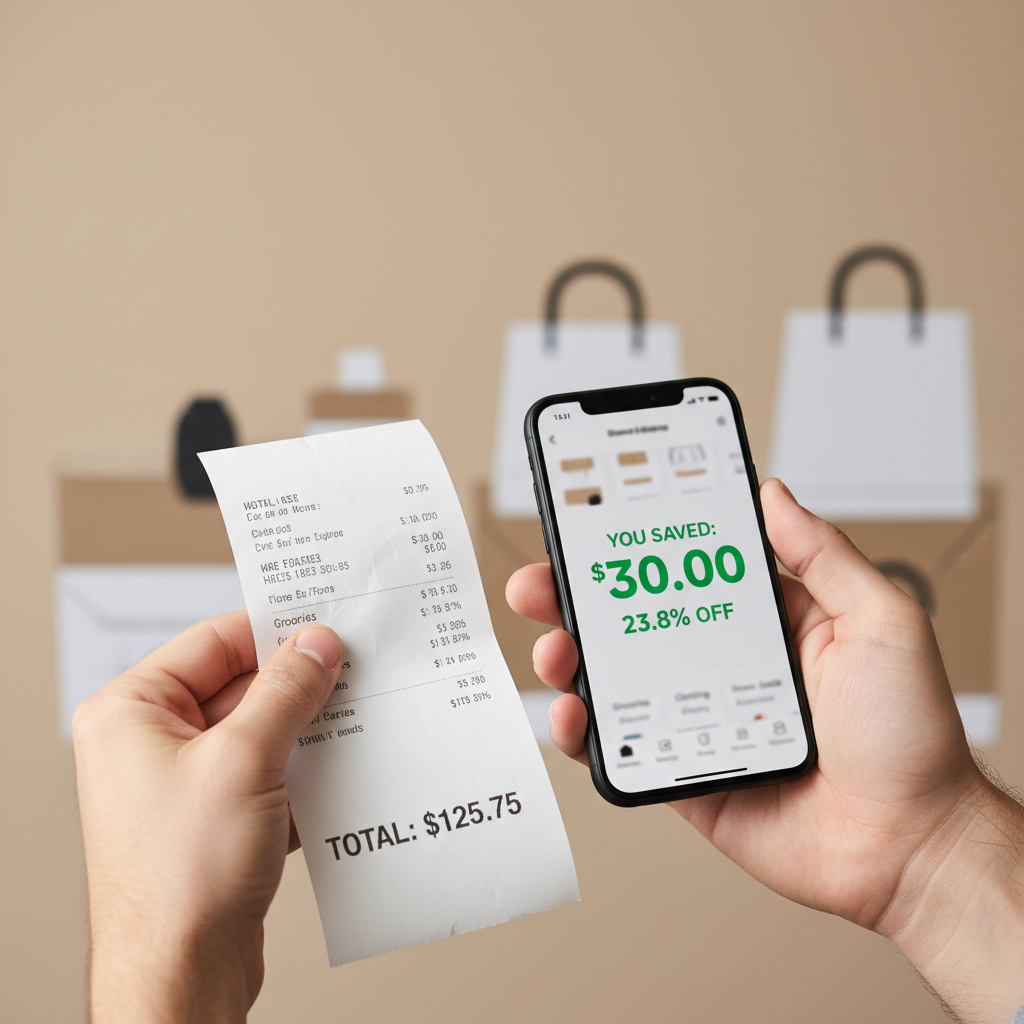
Providing digital receipts not only saves paper but also adds convenience for customers who prefer to keep their records electronically. Ensure your app supports sending receipts via email or SMS.
Regularly Maintain Your Equipment
Regular maintenance of your mobile card reader can prevent unexpected malfunctions. Clean the device as per the manufacturer's instructions and check for any software updates. This will prolong the lifespan of your equipment and ensure it functions optimally.
By following these expert tips, you can effectively utilize your mobile card reader, ensuring a smooth and secure transaction experience for both you and your customers. Keep these practices in mind, and you'll likely see an improvement in customer satisfaction and business operations.